How to Use a Revit Plugin for Rapid Model Management Under the GB/T 51269-2017 Coding Standard
WeChat Sync · Xiaowei · 2024-12-31
# Plugin Download Linkhttps://www.zedmoster.cn/download.html

The data source for this feature specification is provided by 'Haikuotiankong', a member of the WeChat Revit Secondary Development Exchange Group.
# Introduction
With the popularization of Building Information Modeling (BIM) technology, the construction industry's demand for information-based management continues to grow. GB/T51269-2017, Standard for Classification and Coding of Building Information Modeling, provides detailed guidance for the classification and coding of building elements. However, in actual Revit use, how to efficiently apply these standards to a project has become a challenge for many engineers and designers.
This article explains how to quickly implement data management and application of the GB/T51269-2017 coding standard through a Revit plugin, helping users improve work efficiency and reduce the error rate of manual operations.
Plugin Feature Overview
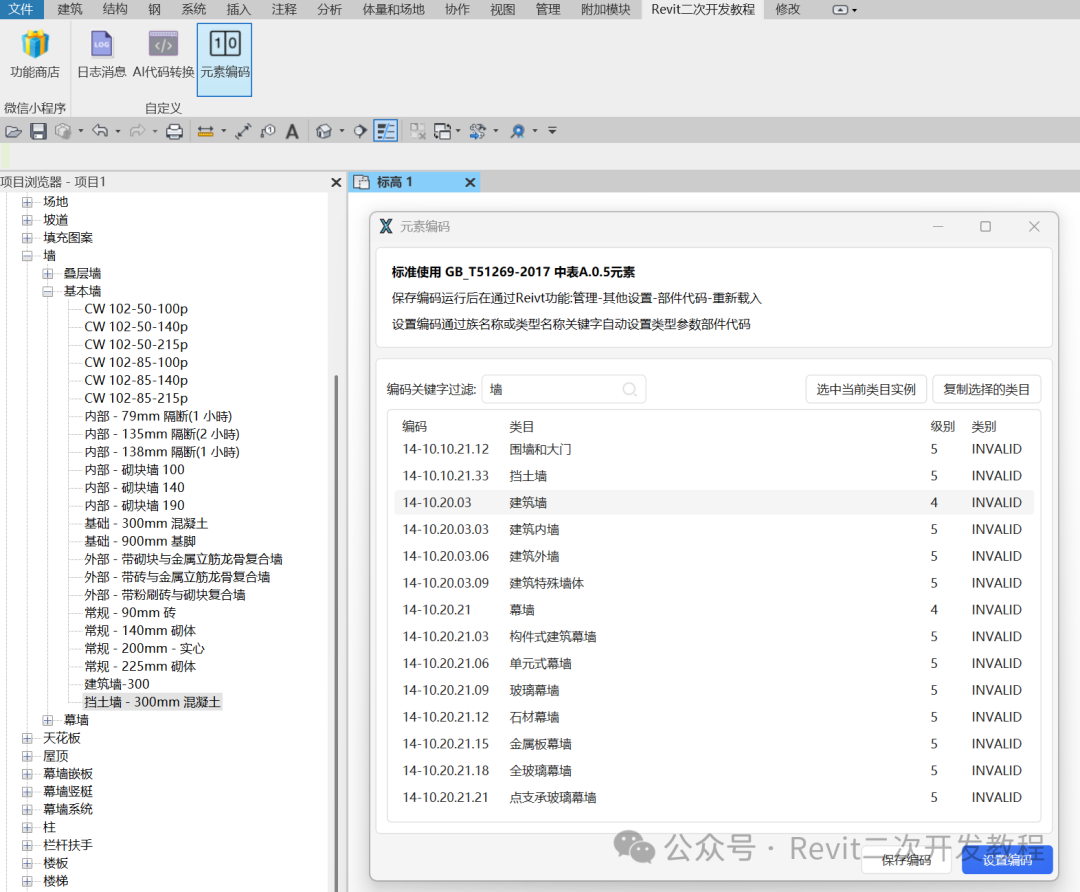
The core function of this Revit plugin is to automatically set codes for the elements in a building model based on the GB/T51269-2017 standard, and to allow users to automatically batch-set component codes by family name and type name keywords. The plugin interface is clean and easy to operate, enabling quick code lookup, setting, and saving.
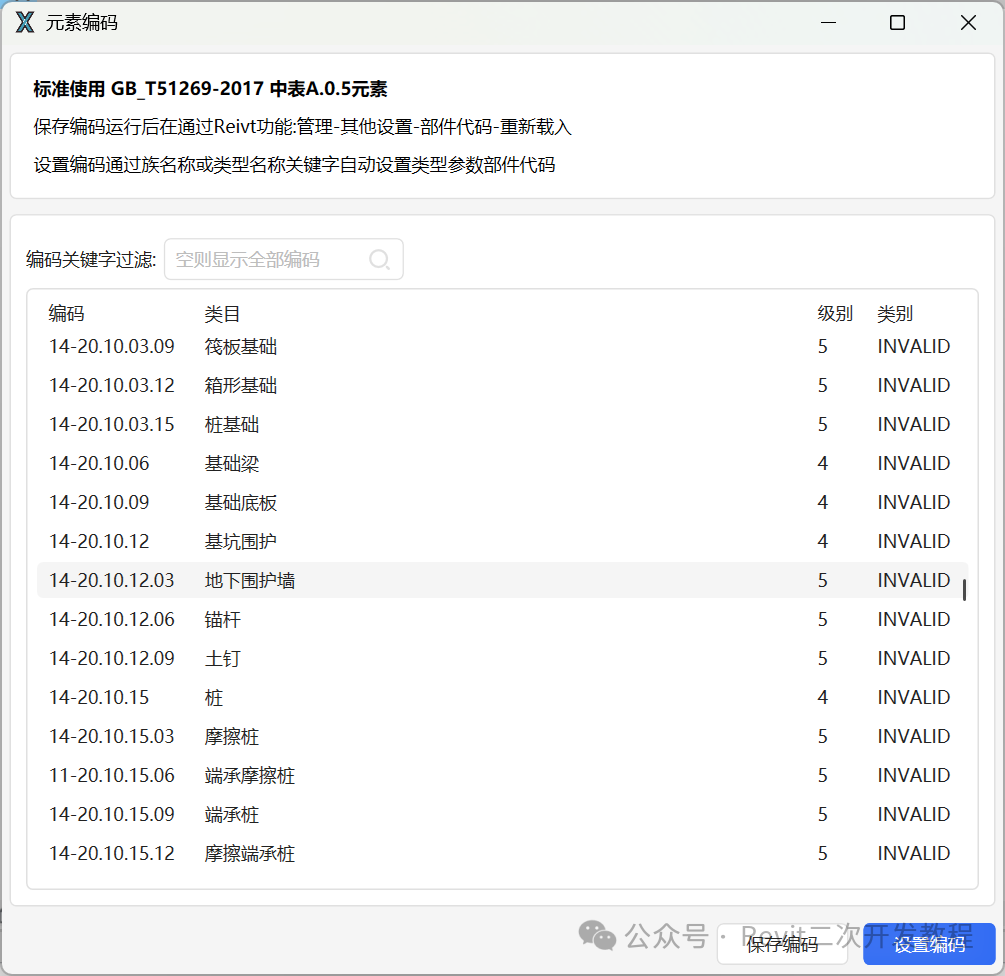
Plugin Interface and Workflow
Code Management Window
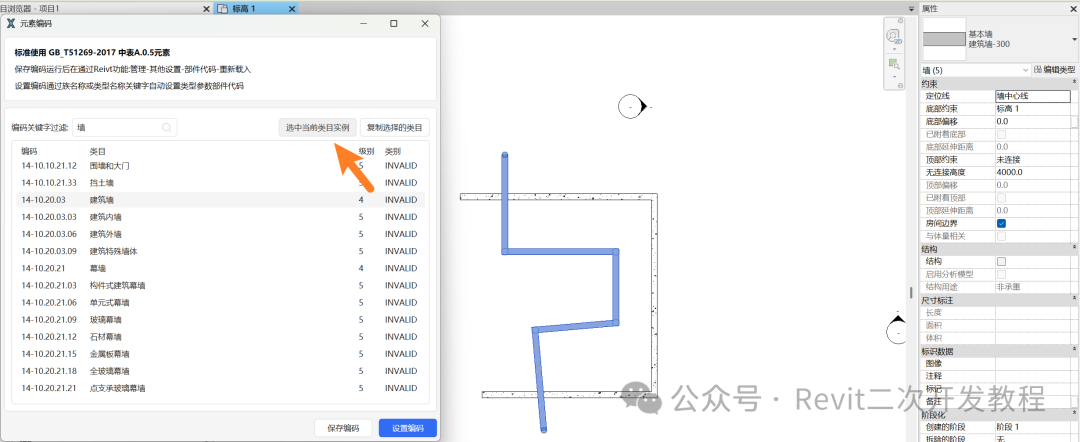
On the plugin's main interface, users can see a window that integrates the GB/T51269-2017 standard element codes. The interface adopts a modern design combined with the HandyControl framework, presenting a clean and intuitive user experience. It is divided into several main areas:- Coding Instructions: displays the standard usage instructions, helping users understand how to use the plugin.
- Keyword Filter: provides a search box where users can enter keywords to filter and search for matching codes.
- Code Table: displays the matching codes together with their corresponding building categories, levels, classes, and other information, which users can quickly browse and manage.
Code Filtering and Search
Through the search box, users can enter specific code keywords (such as a component name or type name) to quickly find the relevant codes. If no keyword is entered, the system displays all available code data.Code Copying and Selection
Users can copy a category via the right-click menu, or select the current category instance using the buttons on the interface. This feature is especially suitable for scenarios that require quickly applying multiple codes, significantly reducing operation time.Saving and Setting Codes
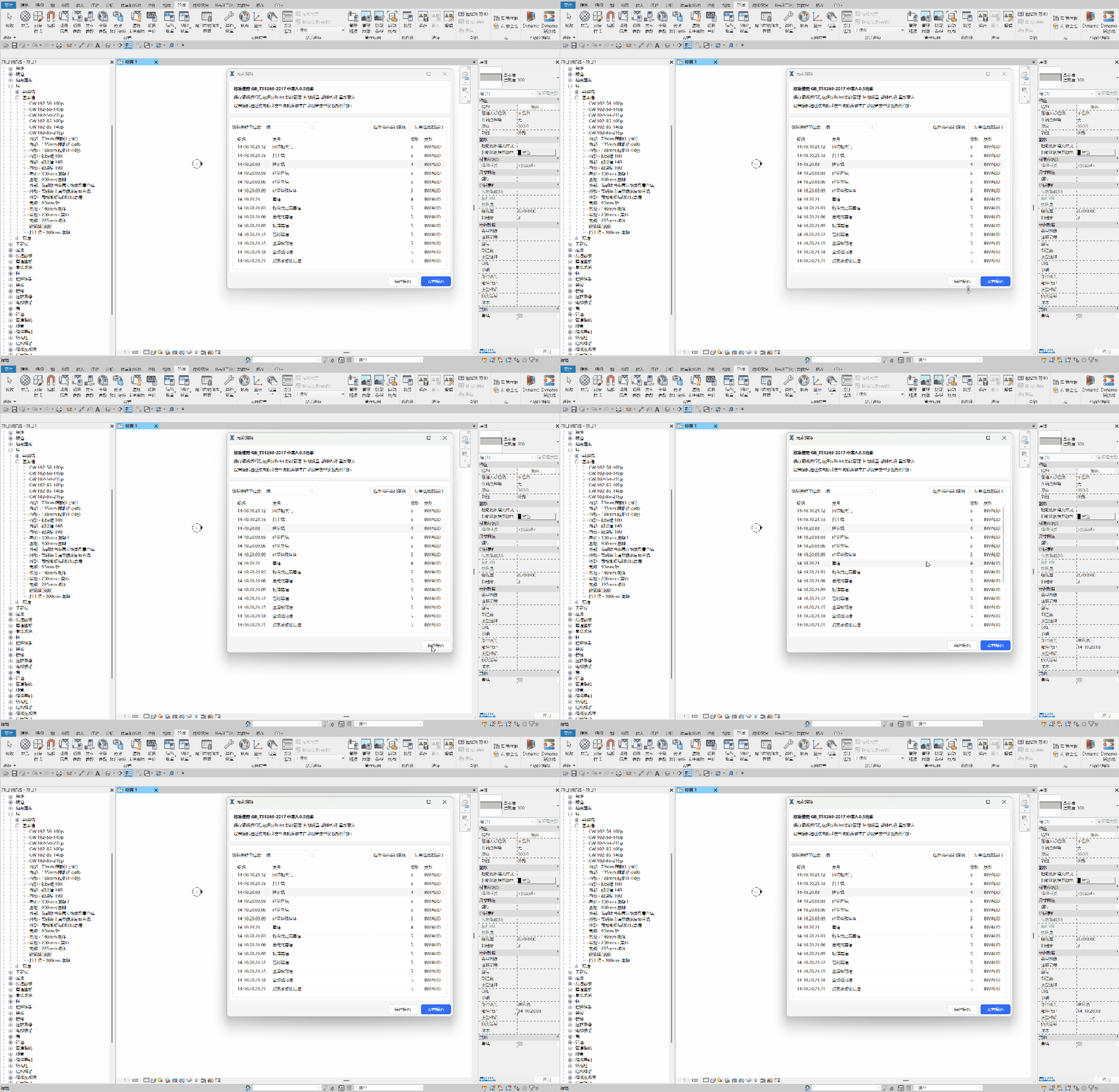
After completing the code settings, users can click the “Save Code” button in the lower-right corner of the interface to save the current settings to the project. Users can also batch-set the codes of the selected elements via the “Set Code” button.
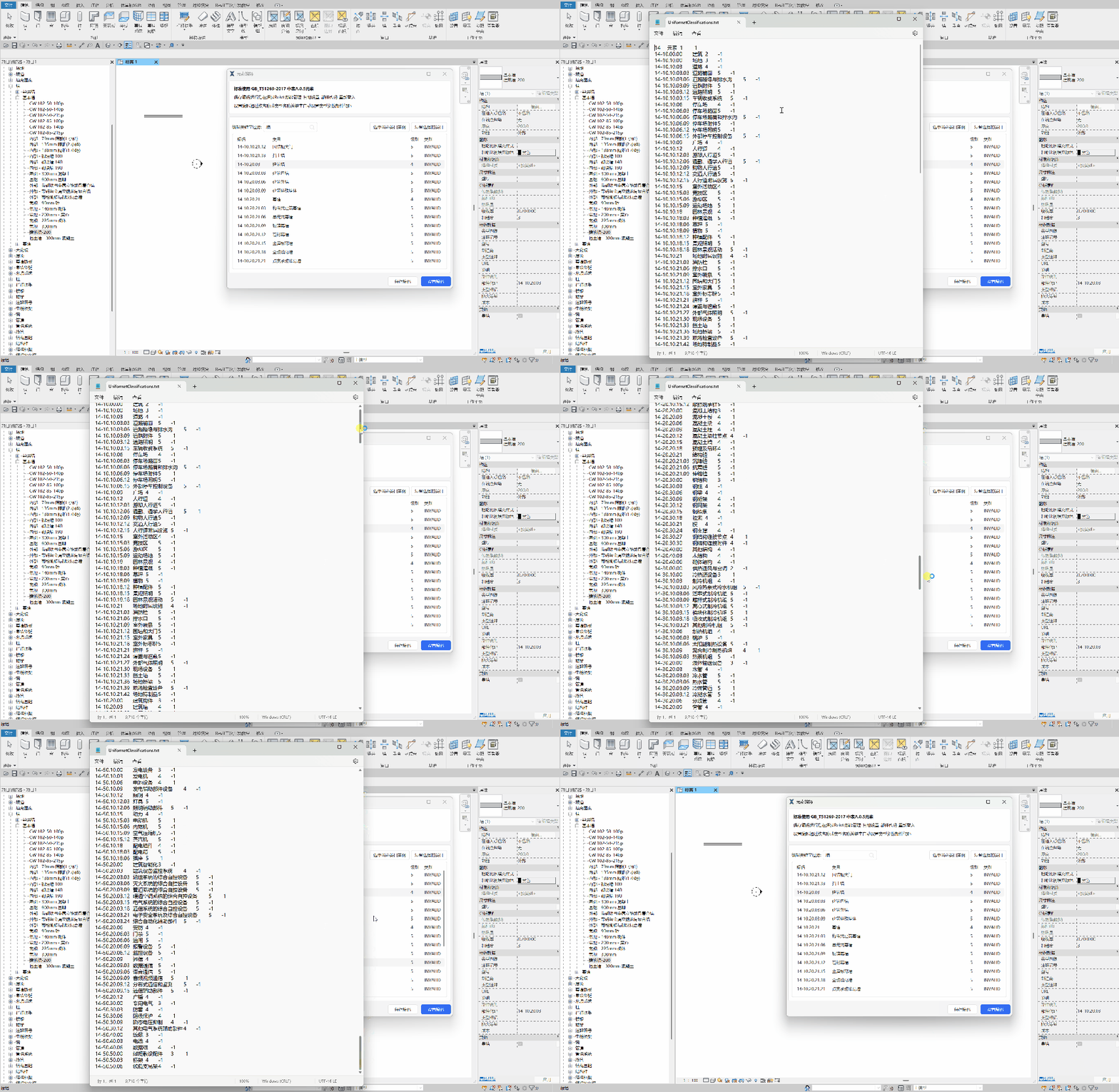
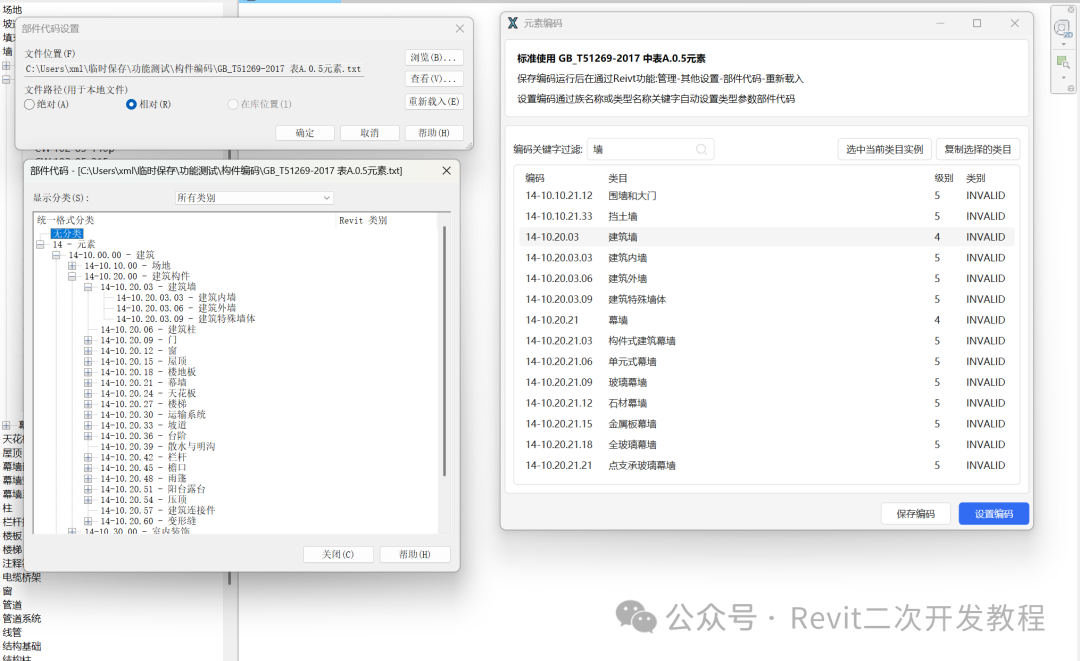
Plugin Advantages
Standards Compliance
The plugin fully complies with GB/T51269-2017, Standard for Classification and Coding of Building Information Modeling, ensuring that the codes of all elements in a project meet industry standards and providing strong support for the standardized management of the project.Efficient and Convenient
Automated code setting and fast search functions enable users to complete the coding of a large number of elements in a short time, greatly improving work efficiency and reducing the complexity and errors of manual operations.Easy Integration
The plugin is developed through the Revit API and integrates seamlessly into the Revit environment. It is easy to operate and requires no additional complex configuration. Users only need to download and install the plugin to quickly launch and use it in Revit.Customizable Settings
The plugin supports operations such as custom code keyword filtering and batch setting, meeting the individual needs of different projects and users.
Application Scenarios
Architectural Design Phase
In the architectural design phase, designers can use the plugin to quickly set codes that comply with the GB/T51269-2017 standard for each building element, ensuring consistent element coding throughout the design process.Construction Phase
In the construction phase, construction personnel can accurately identify different building components through the coding standard, reducing errors in information transfer and improving construction efficiency.Maintenance and Management Phase
In the later maintenance and management phase of a building, the plugin allows quick lookup and modification of the codes for each building element, providing strong support for facility management.
Summary
Rapidly applying the GB/T51269-2017 coding standard through a Revit plugin not only improves the management efficiency of building information models, but also ensures that projects comply with industry standards and reduces human error. The launch of this plugin marks a step toward the standardization and intelligent application of BIM technology in the construction industry.
Looking ahead, we hope that more tools and plugins like this one will help the construction industry achieve more efficient and intelligent project management and drive the continued development of construction informatization.
If you would like to try the plugin, feel free to follow our official WeChat account or visit our official website to download it.
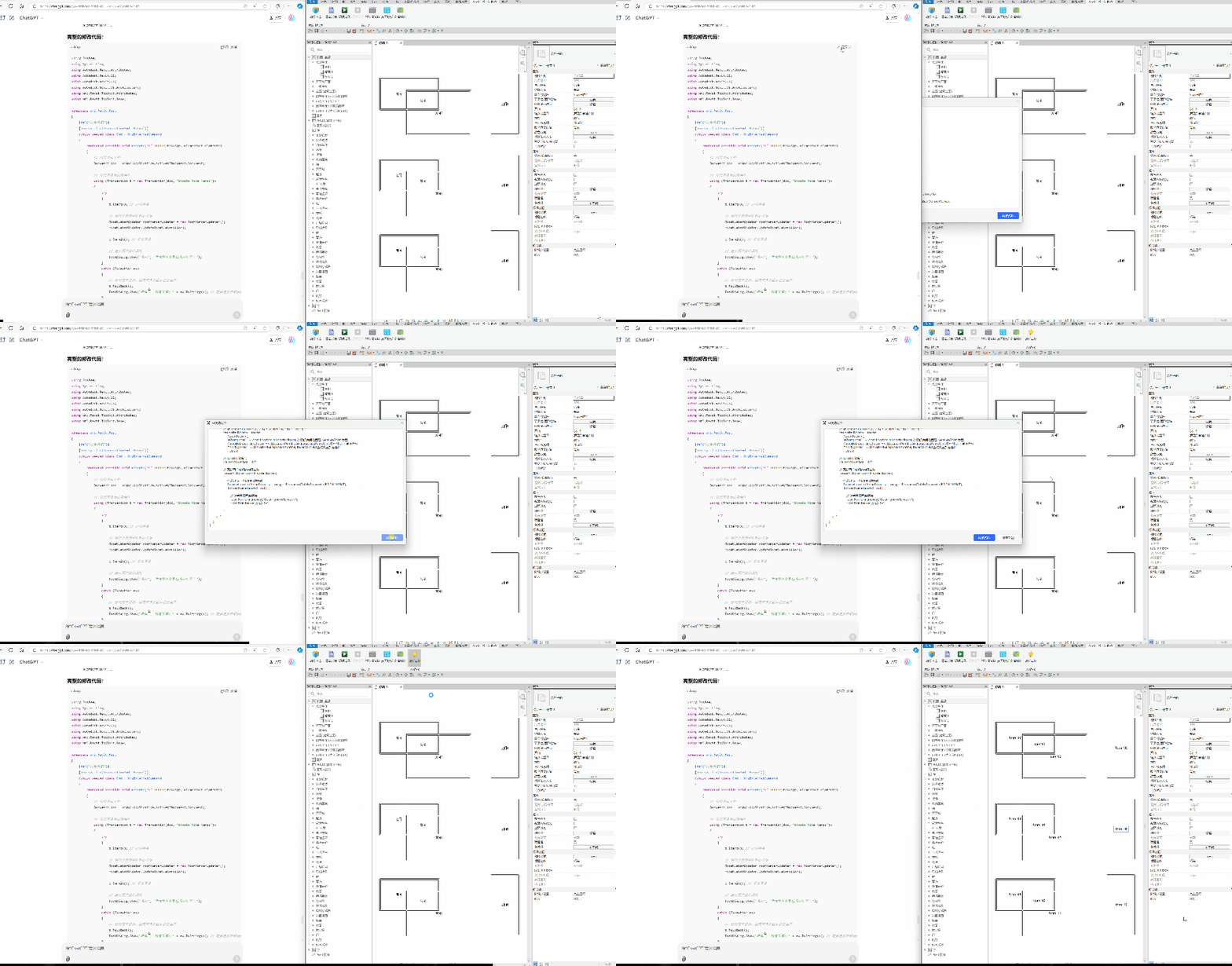
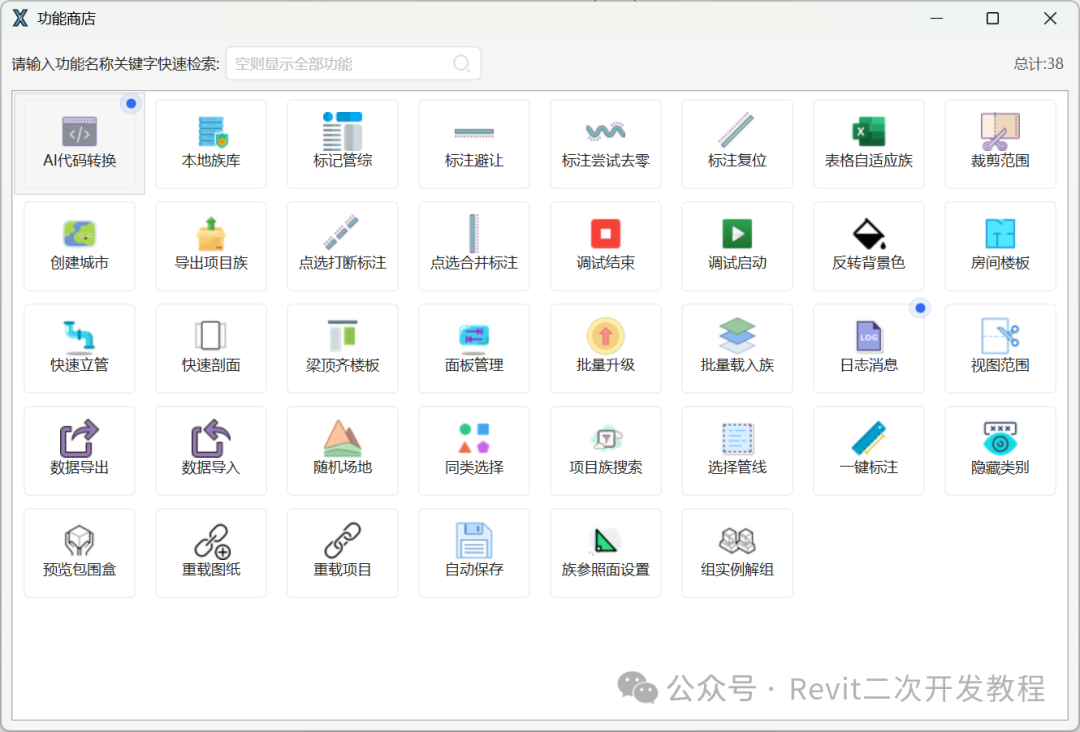
Click the GIF below to quickly jump to the AI one-click Revit plugin generation feature
Click “Read Original” at the end of the article to download the plugin.After successful installation, click “Daily Check-in”, open the WeChat scan-code mini program, switch to User ID, and then click Scan to Check In within the mini program to use all features for free.
END
The views expressed are the author's own Copyright © Zhuwei Architectural Technology
Reproduction without authorization is prohibited
Please credit the source when reposting: Zhuwei Architectural Technology
Zhuwei Architectural Technology is a new-type technical services company specializing in integrated design optimization, BIM consulting and prefabricated construction design consulting. Our team brings together senior engineers from leading design institutes, former executives of real-estate companies, BIM engineers and prefabrication engineers, delivering integrated design optimization, refined drawing review, BIM consulting with MEP detailing, and prefabricated design services.
Design optimization consulting: Positioned as an extension and complement to the design management of real-estate developers, we focus on consulting and optimization for civil buildings. Across the whole process — or at key stages required by the client — we control the economy, rationality and safety of the design, eliminating unnecessary cost while measurably improving drawing quality, achieving "lower cost, higher efficiency".
BIM consulting: Through digital construction technology we help designers reduce errors and improve quality in the design phase, help contractors save cost and plan high-quality MEP installation in the construction phase, and extend BIM models into facility management for the operation phase — in collaboration with mainstream software vendors.
Prefabricated design consulting: Whole-process design on BIM platforms, using Revit and Tekla for PC detailing. Component geometry and reinforcement are linked parametrically — what you see is what you get. We deliver Industry 4.0-ready drawings with cut-length data for every rebar, and IoT-enabled support for production, storage, transport and installation of PC components.
Our expert team comes from leading design institutes, with deep technical grounding and extensive experience in dual-track design and optimization; its technical capability and control are industry-leading.
—— This article is auto-synced from the WeChat Official Account “Zhuwei Architectural Technology”. Read the original ——